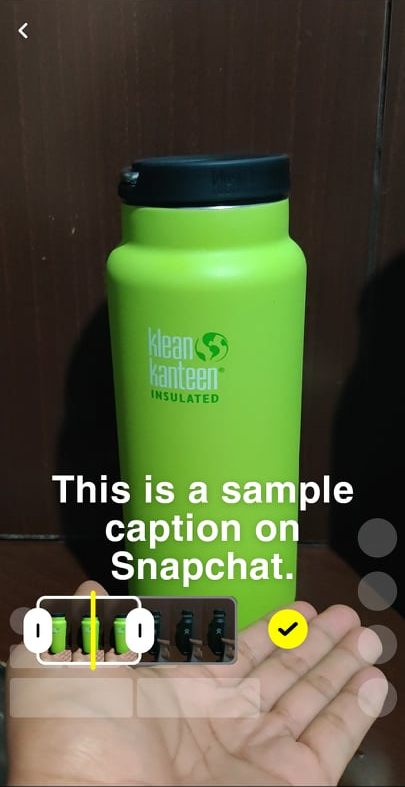
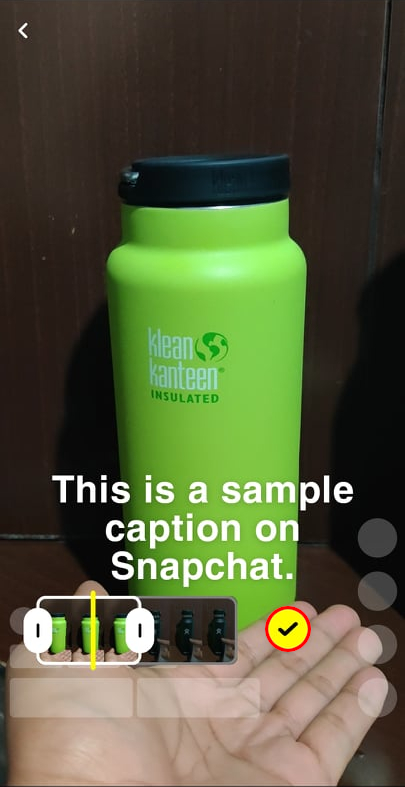
Adding captions is one of the most effective ways to improve your video marketing strategy. This applies even on social media platforms such as Snapchat, where the user experience is made of short, engaging videos.
If you want to up your content creation game, you have to learn these two methods of how to add captions on Snapchat.
Why you should add captions to your Snapchat videos
Snapchat stories last less than ten seconds, so adding captions may seem redundant or tedious. However, having captions on your stories can be very beneficial to you because it increases their accessibility, particularly by making them more consumable by:
Non-native language speakers. You may have viewers who struggle with understanding the language you’re speaking in your stories.
Hearing-impaired. If the audio is complex or has subpar quality, or if you’re speaking too softly, people with hearing challenges may have a hard time enjoying your stories.
“Silent watchers.” There are now viewer demographics who watch content without audio. Having captions is the key to tapping into this audience.
Method one: Use Snapchat’s text tool
Snapchat has a built-in text tool with basic customization features that should be sufficient for most Snapchat users.
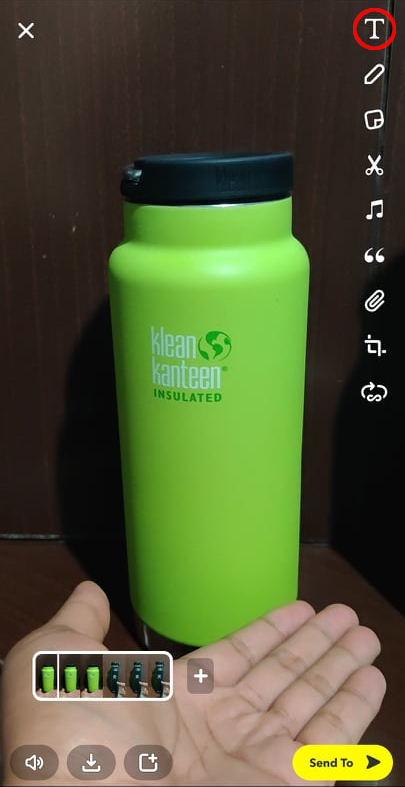
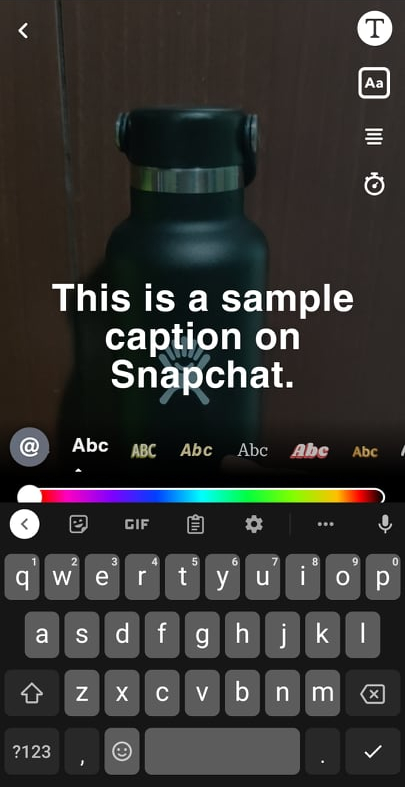
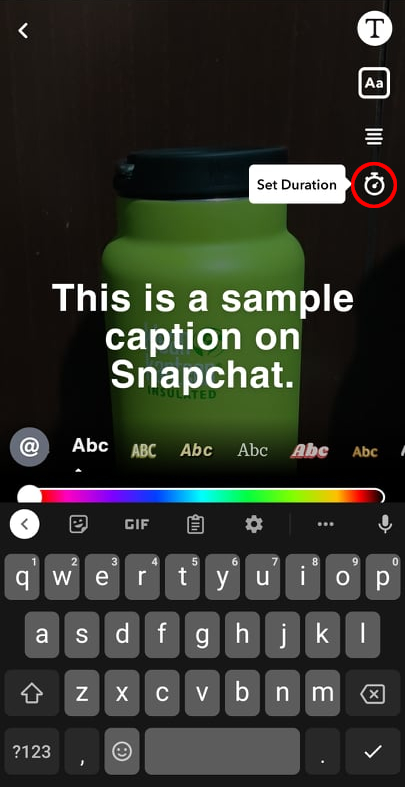
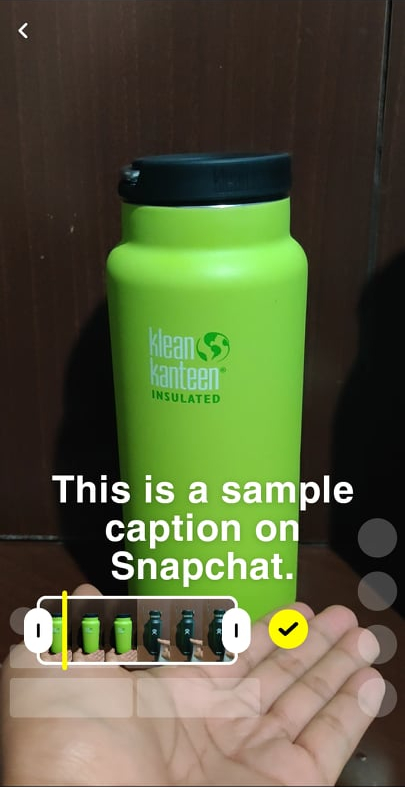
Here are the steps for using Snapchat’s built-in text tool to make captions:
1. Record your video on Snapchat.